Getting started
Step 1
First set up your account details: in Shopify, go to Apps → Post & DHL Shipping.
Step 2
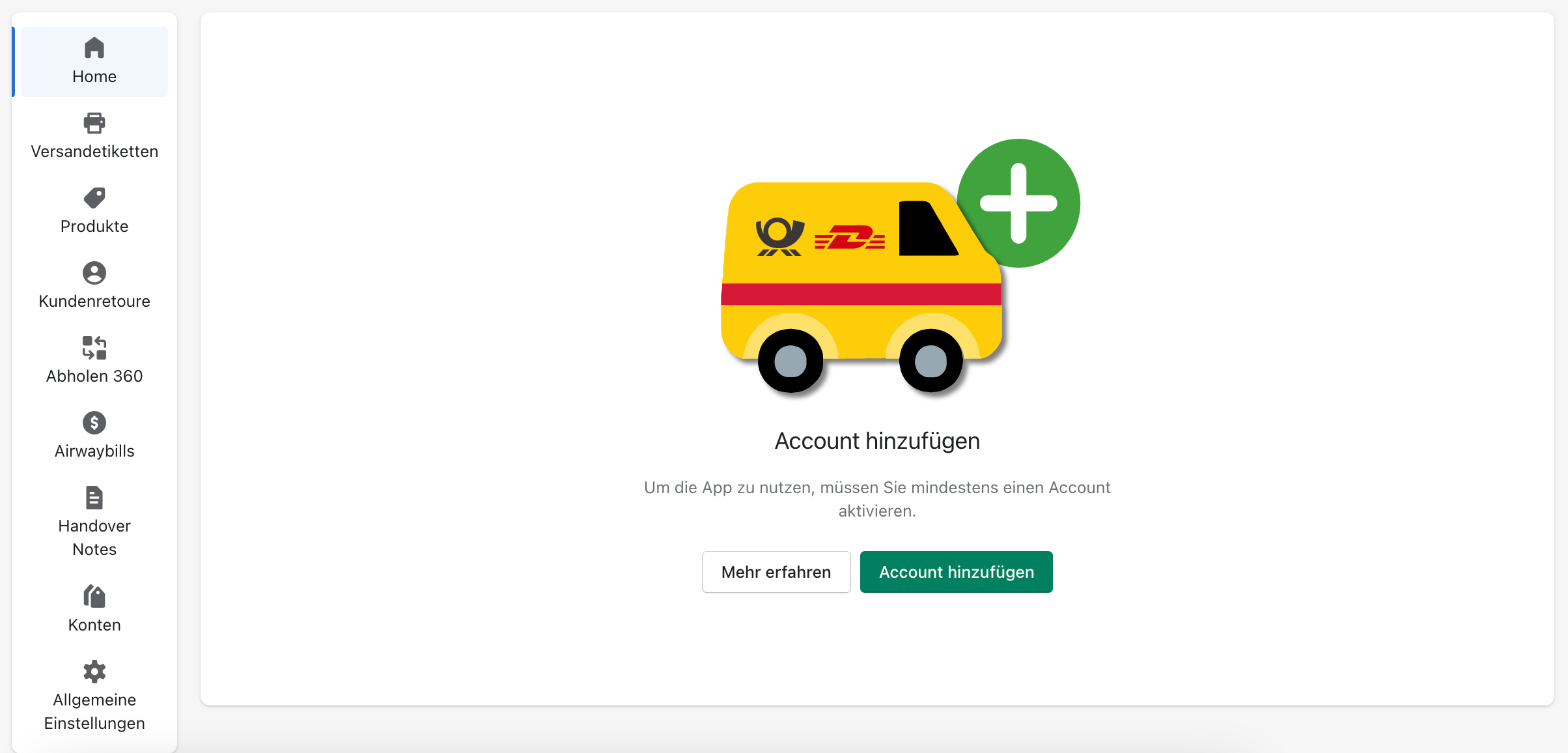
You are now on the app dashboard. To use the app, you first need to add an account. Select Add account.
Step 3
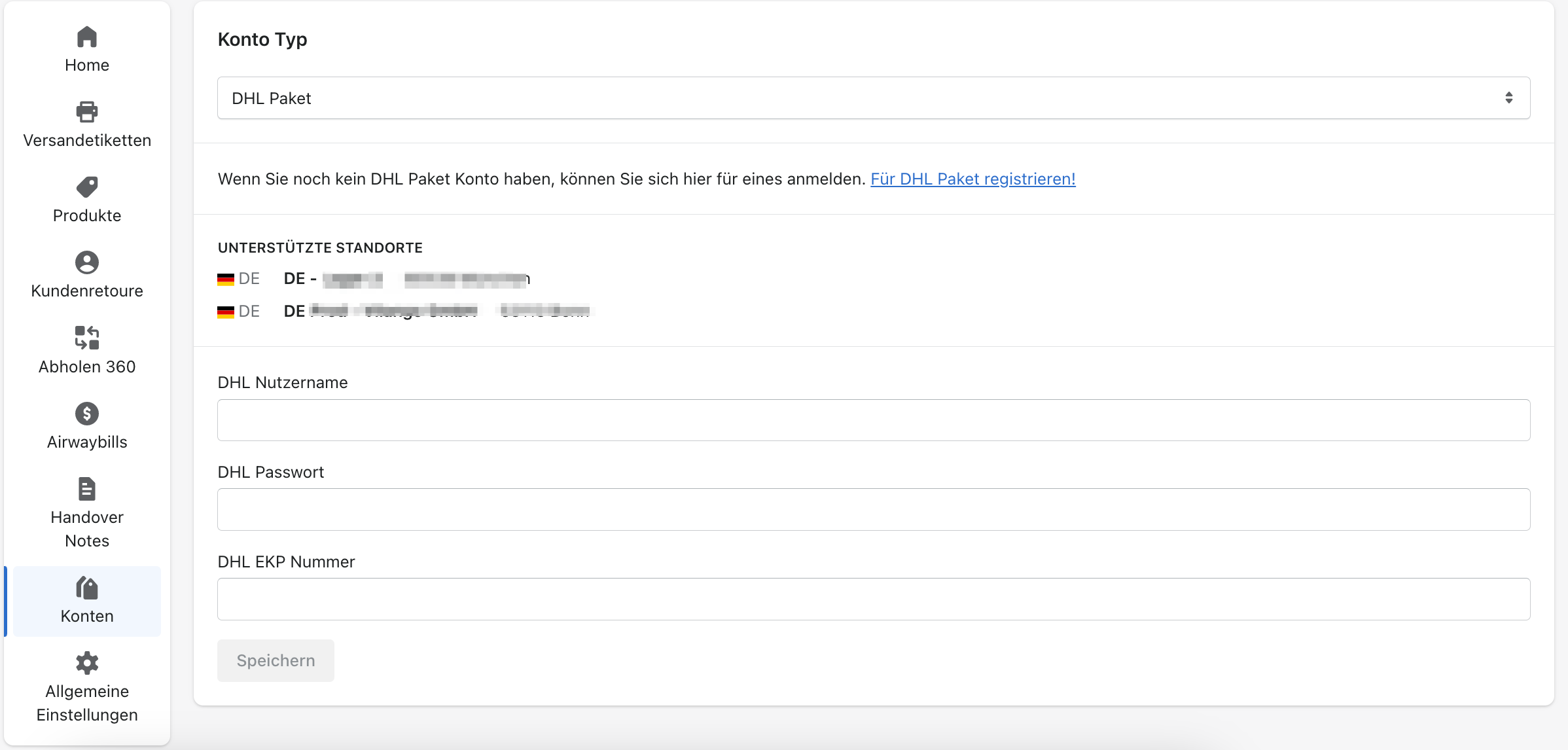
You can now add a new account. DHL Paket should already be selected. Enter exactly the same credentials you use for the DHL Business Customer Portal. If you use a system user, enter that user's credentials.
Step 4
Then select Save.