Settings
General settings
Follow these steps to open the general settings:
Step 1
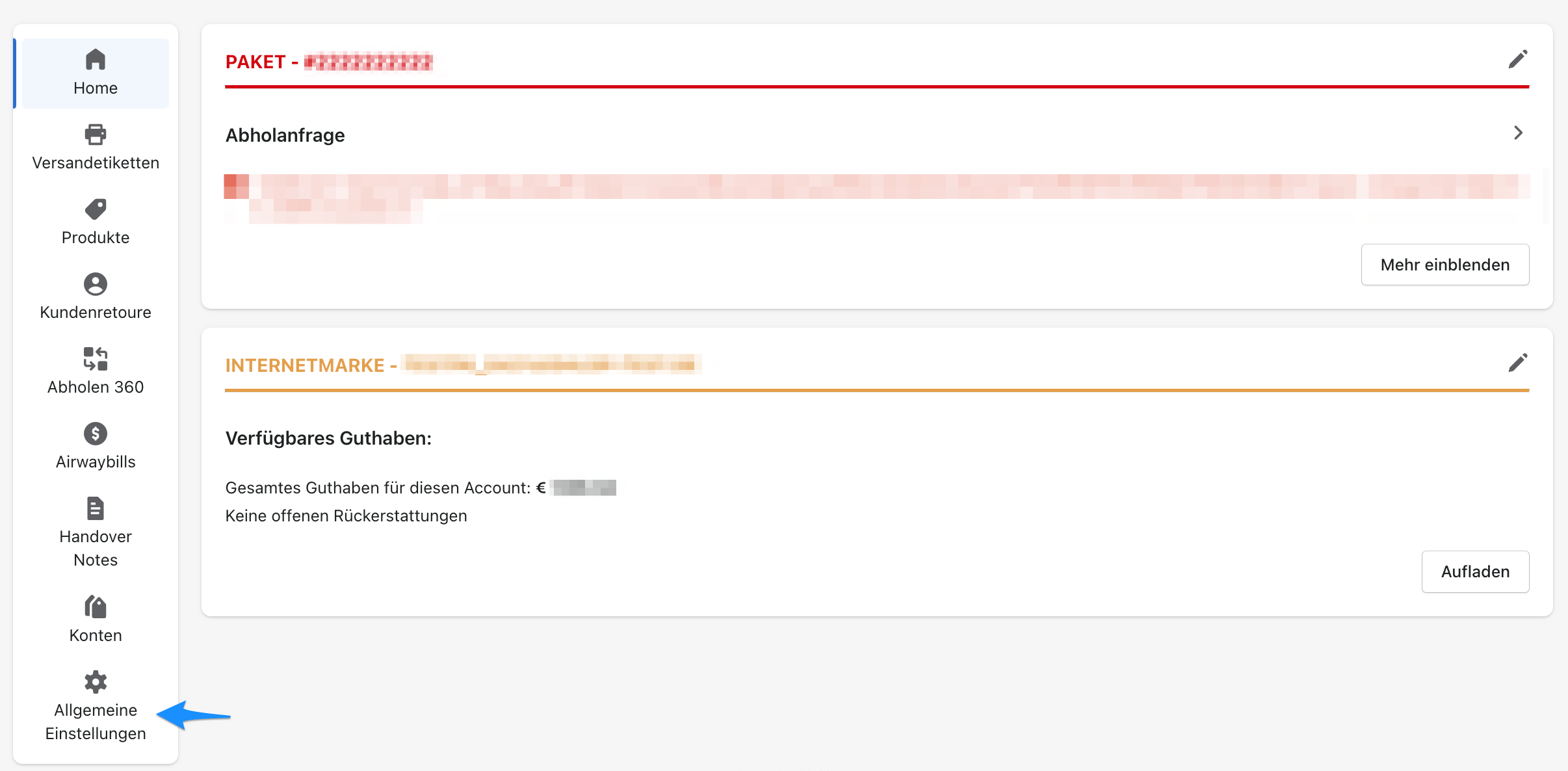
In Shopify, go to Apps → Post & DHL Shipping.
Step 2
You are now on the app dashboard. Select General settings on the left.
Step 3
You are now in the general settings of the Post & DHL Shipping app.
Step 4
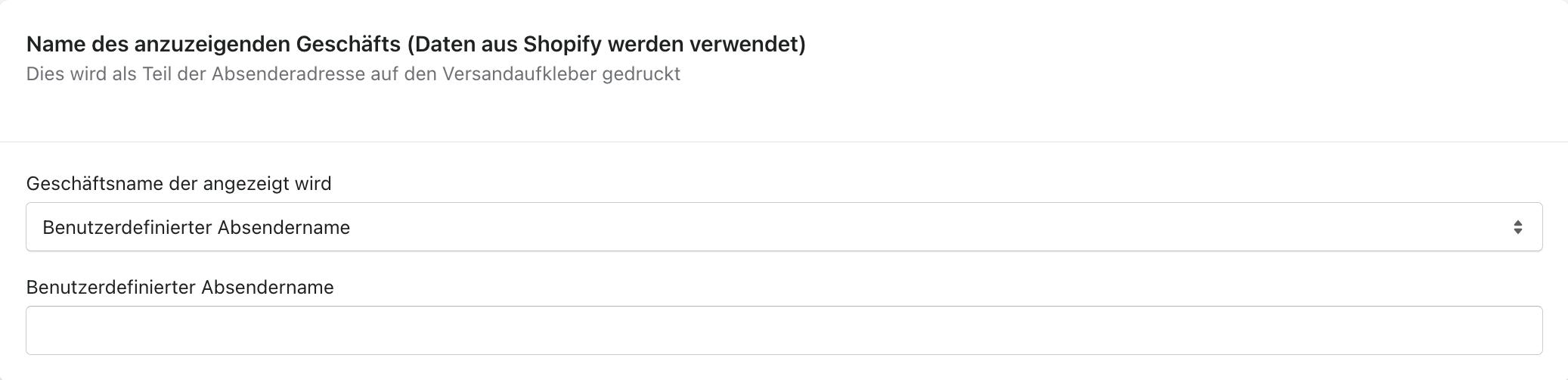
Select the business name to display. This information is taken from the Shopify settings.

Step 5
You can define a custom sender name.
Step 6
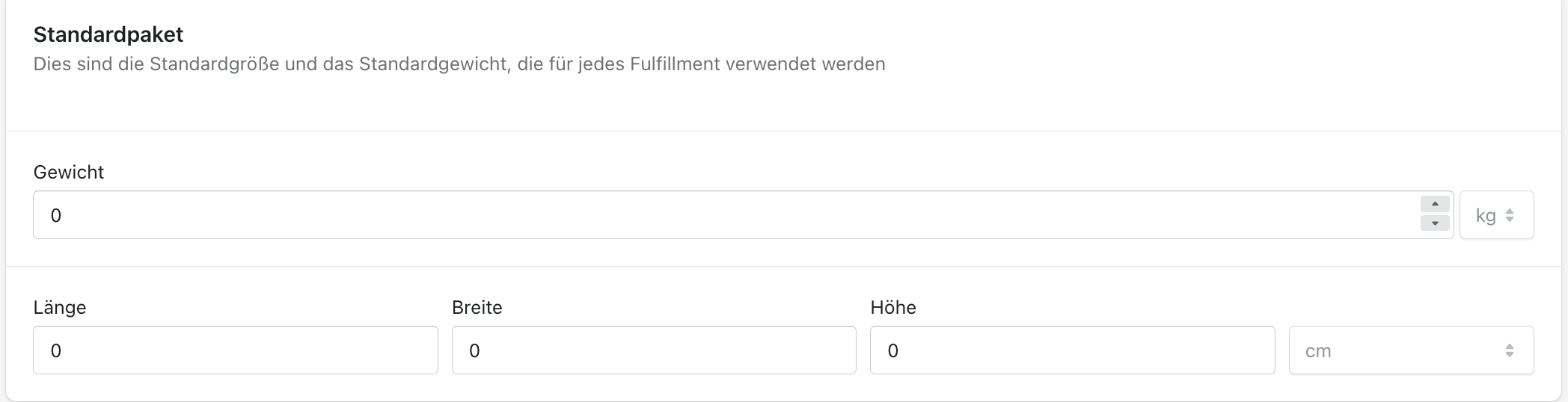
You can now set the default size and default weight. These values are added to the product weight when shipping labels are created, but the weight can still be overridden for an individual shipment.
Custom fulfilment location
If you use a custom fulfilment location, you can enable this feature here.

After enabling the feature, you can choose between your locations.

This information is taken from the Shopify locations.