Customer perspective
Order view
This section shows how customers access preferred delivery services.
Step 1
The customer selects products from your shop, reviews the cart, and proceeds to checkout.
Step 2
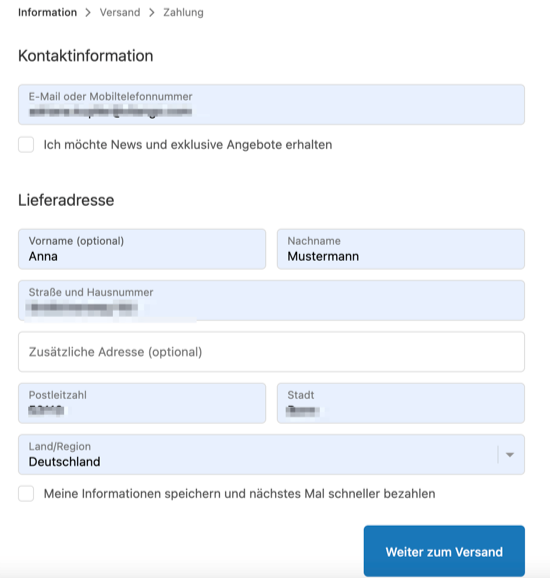
The customer enters their address details.
Step 3
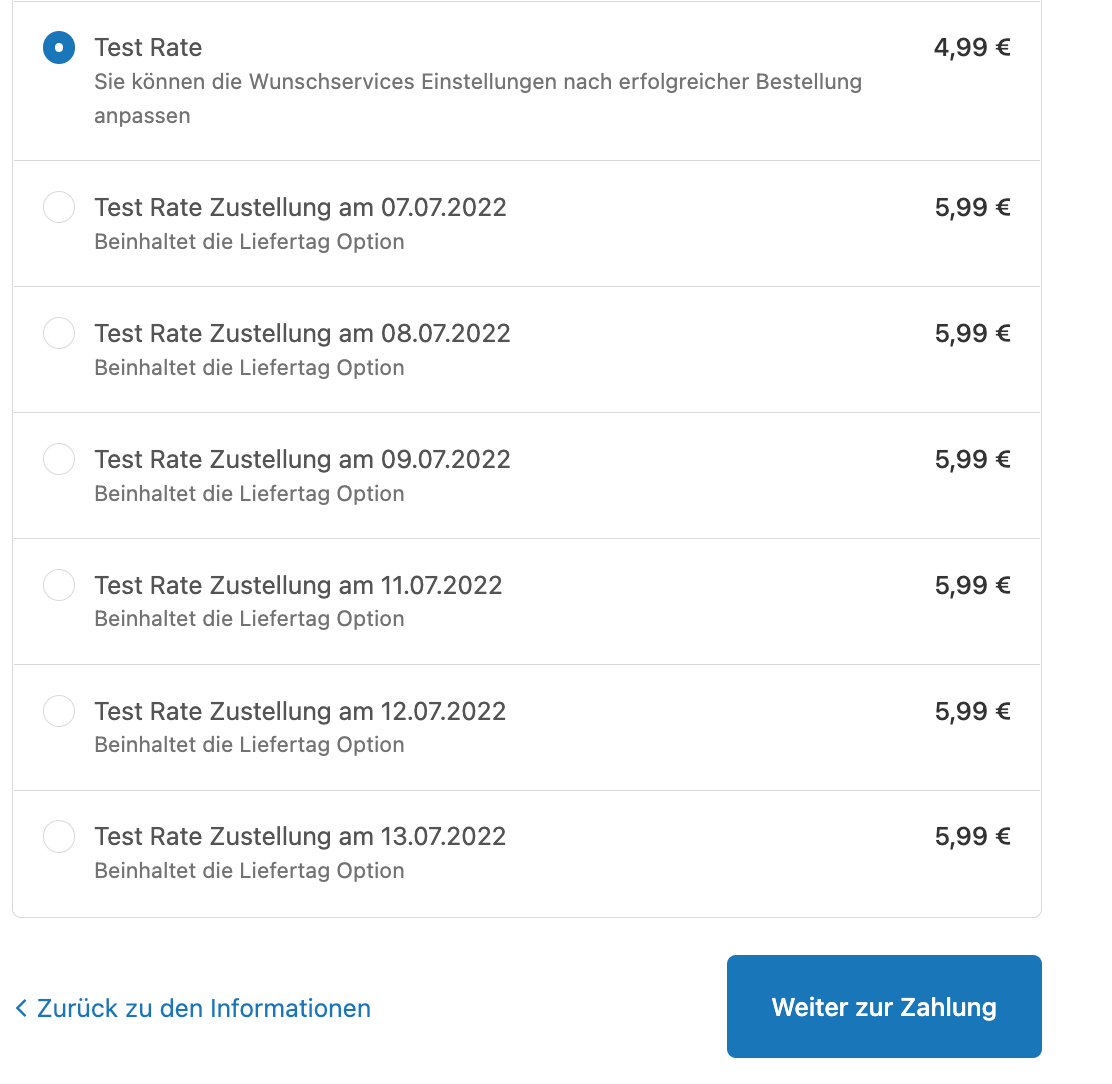
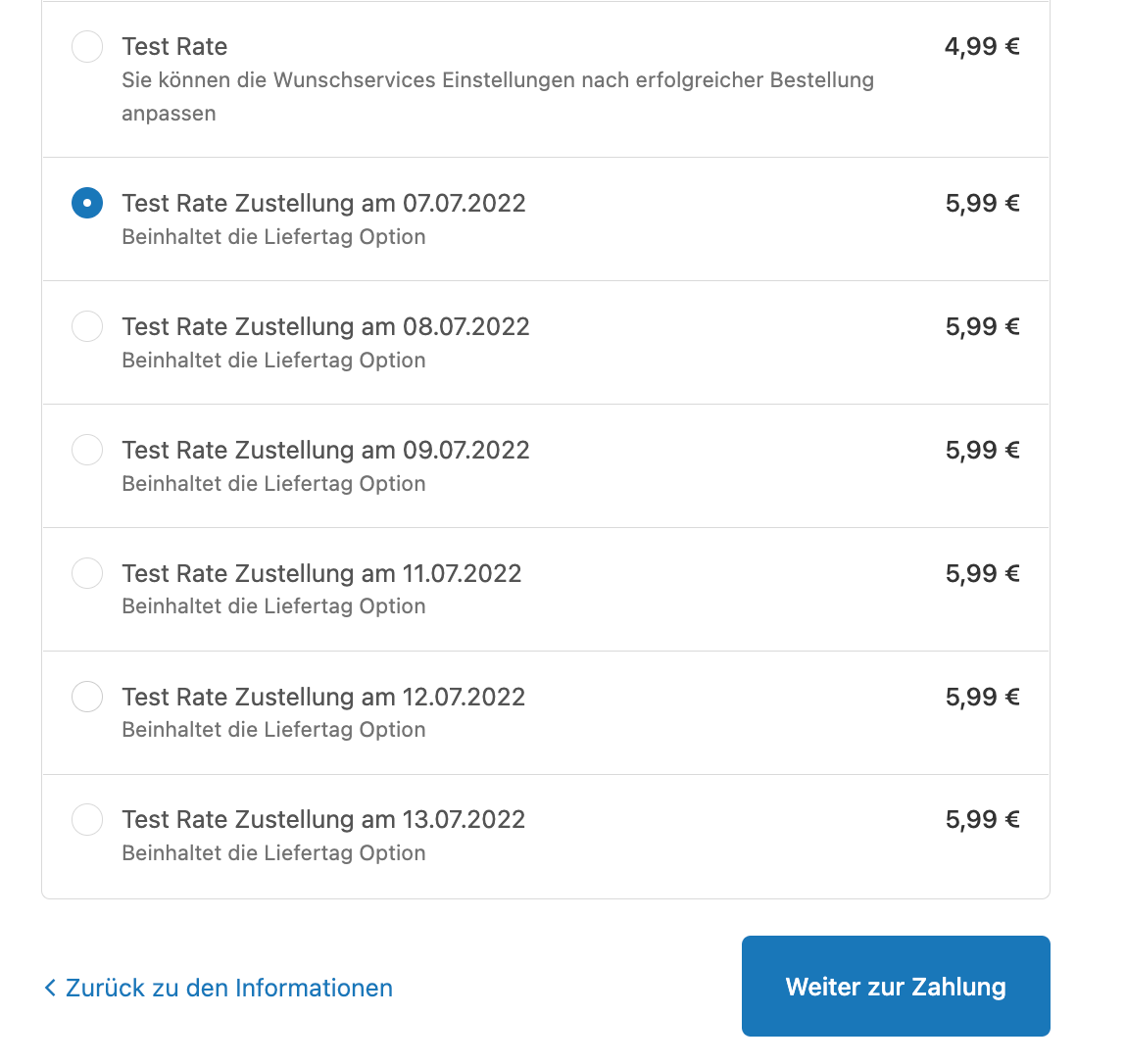
The customer selects from the available parcel options. A preferred day can only be selected later if a specific delivery day is chosen here first.
Step 4
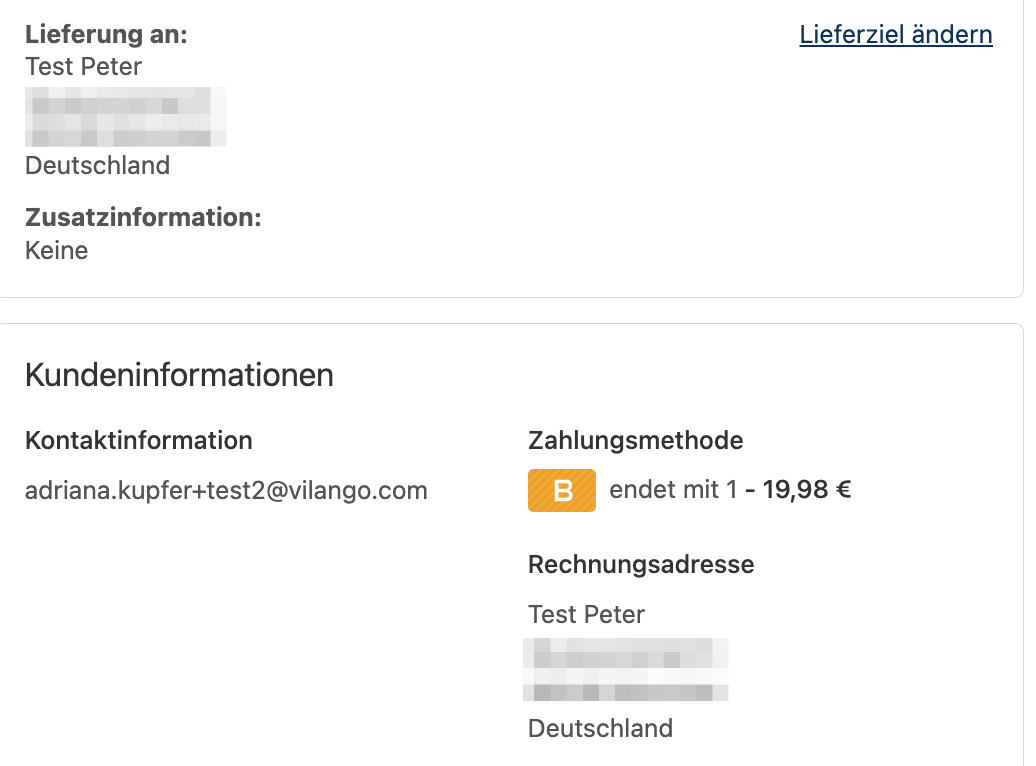
The customer selects Change delivery destination in the top-right corner to choose preferred delivery services.
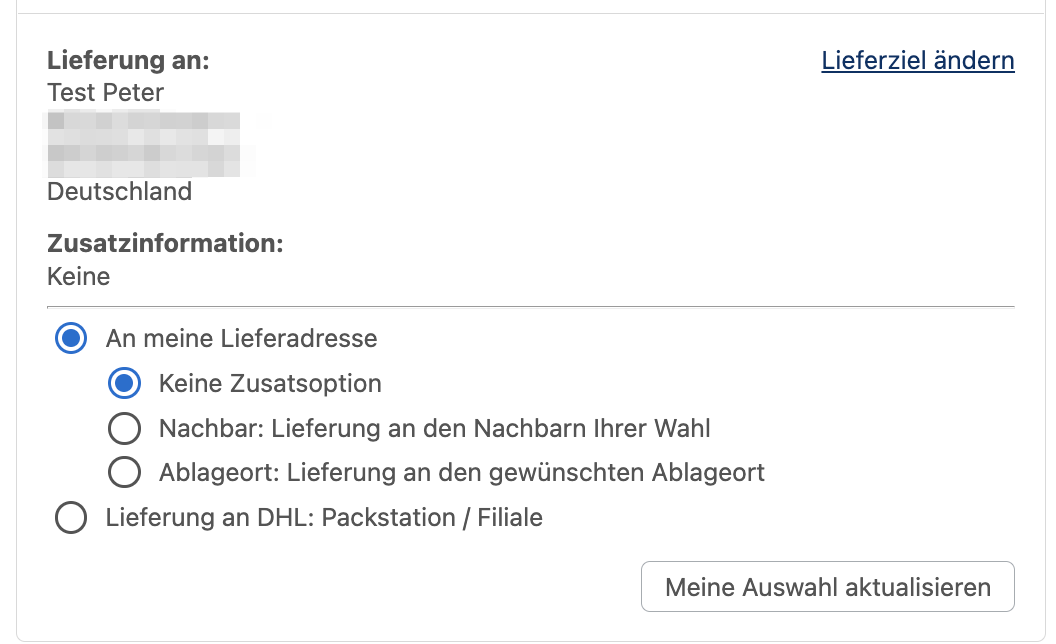
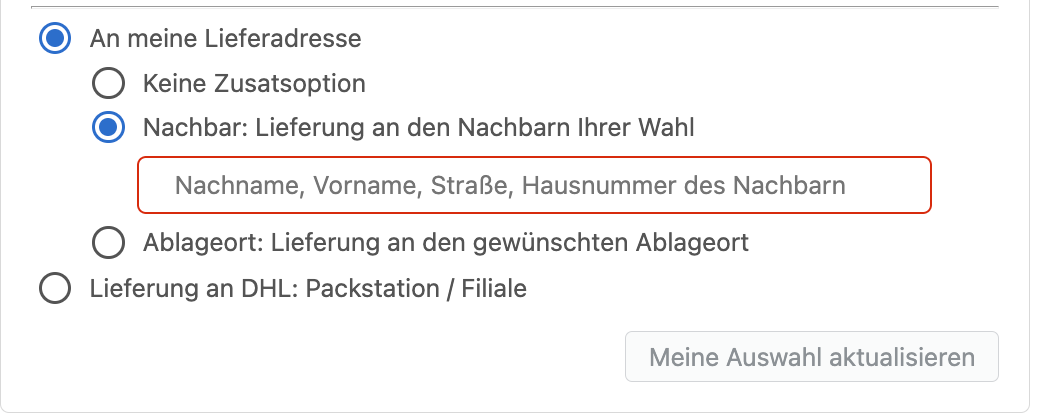
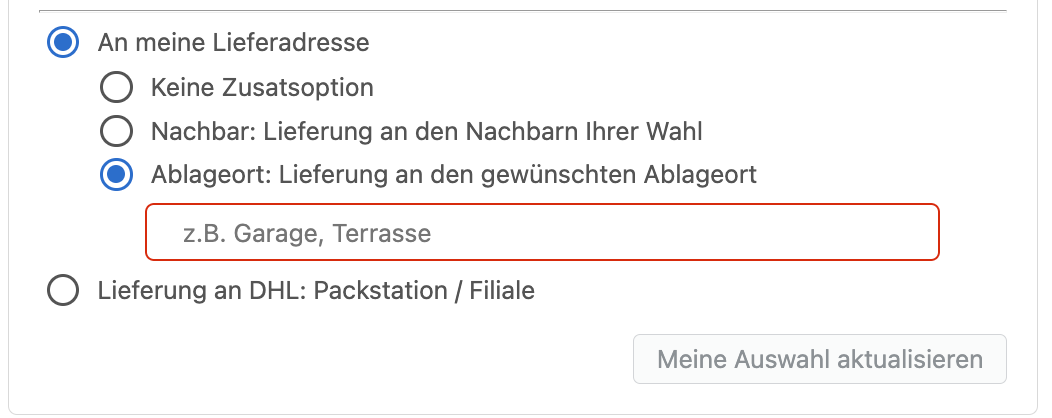
Step 5
The customer can have the parcel delivered to a Packstation by entering its number or selecting a Packstation on the map.
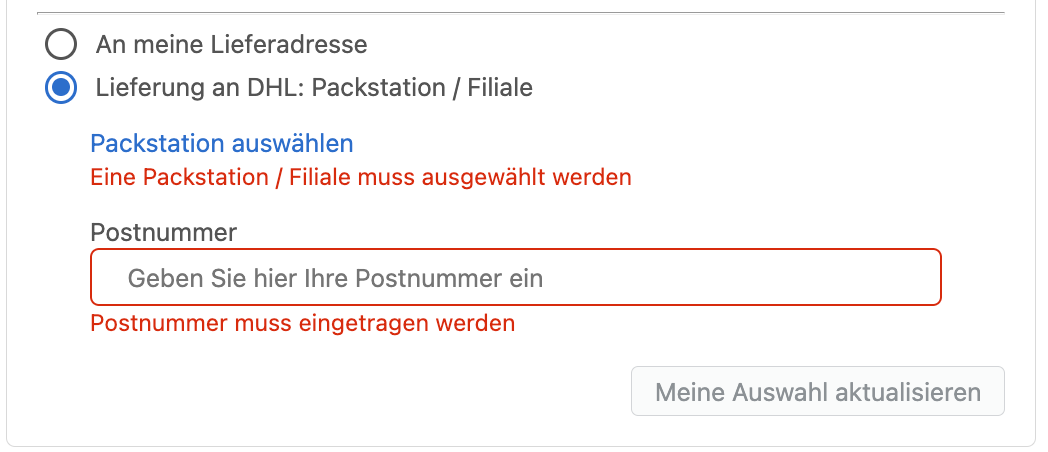
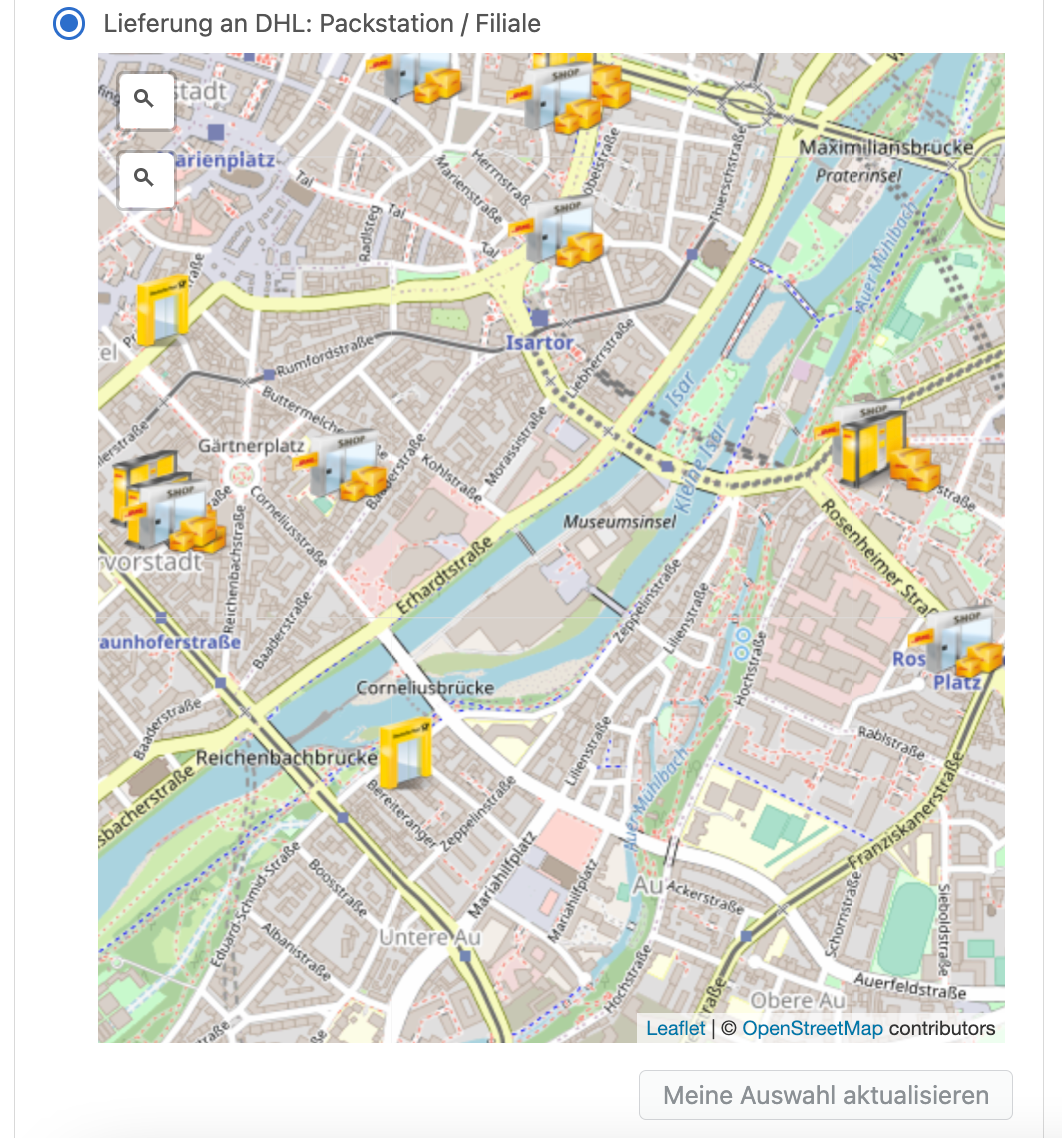
Step 6
With Packstation, customers can select the Packstation to which the parcel should be sent. If a preferred day was selected earlier, the customer can change it here.
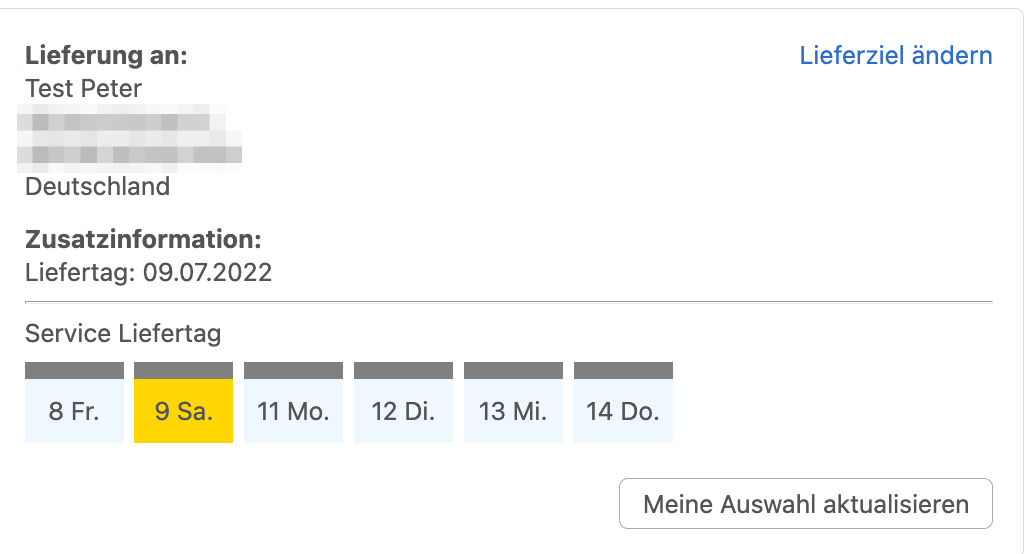
Step 7
Preferred day lets customers receive parcels on a specific day. You must define the days and times at which parcels can be collected—for example, every weekday at 18:00.
Customers can change their preferred delivery services until you create a fulfilment for the order. After that, the selection can no longer be changed.
Enter a Packstation through Shopify
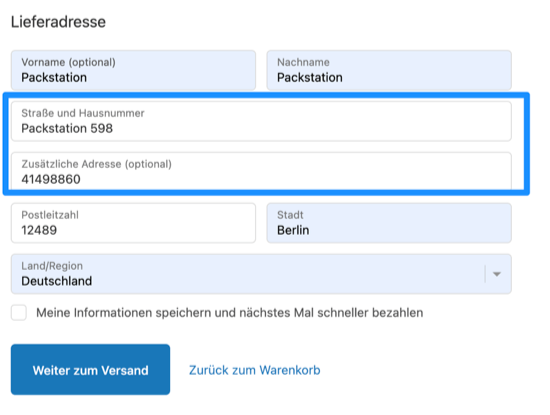
Enter the Packstation correctly in the address fields as follows:
In Street and house number, enter Packstation + number, for example Packstation 598. Always include the word Packstation, including when the destination is a post office or similar location.
In Additional address, enter the Postnumber, for example 1234567890.
The customer sees the following fields: